
Step 1: Record the notation game from your tournament (rapid & classical)
Step 2: Generate PGN file using chess.com analysis feature
- Go to chess.com, select learn and analysis as picture below. Or you can go directly to this URL https://www.chess.com/analysis?tab=analysis

- Start moving pieces on the board to repeat your game for both sides
- If you made a mistake, you can right click on the move and choose remove them. this will save tonne of time instead of repeat everything from beginning. see below picture
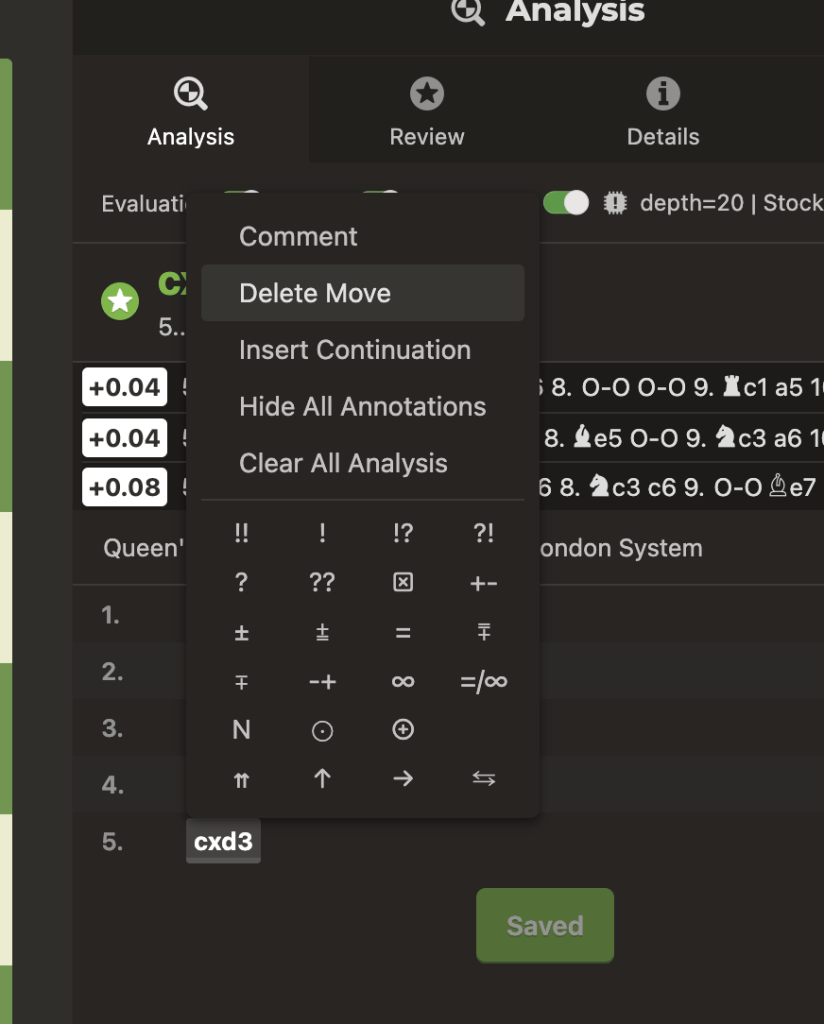
- One you finishes all the moves, go to detail tab and fill in tournament & pairing details for the games. You can enter the information from your record, or just go to https://tournament.hobsonsbaychess.com/ and copy the tournament name & information of pairing from website.

Step 3: Download the PGN and upload
- On the same screen, click on Share icon and download the pgn file

- Click on download button, the files then will be saved in your downloads folder (depend on devices that you use
- Going to games database https://games.hobsonsbaychess.com/
- Click on Upload game button on top -right screen
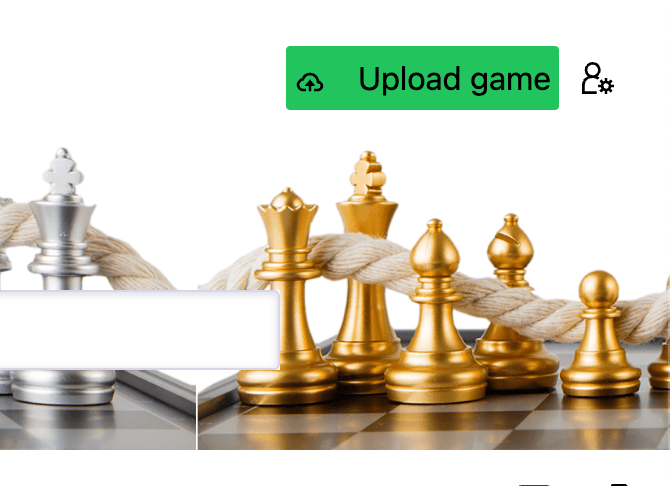
- Select the pgn file that you download in previous step in the below screen
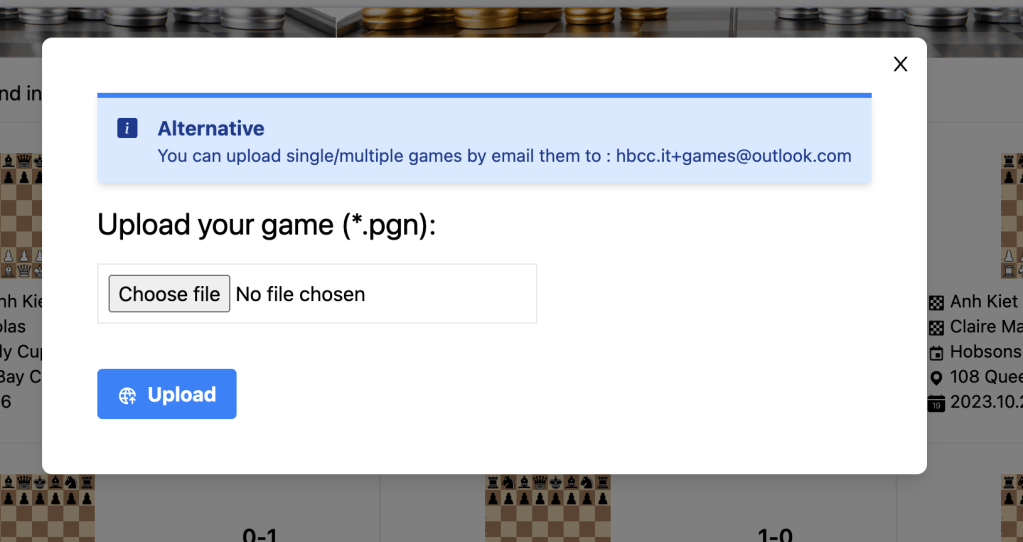
- Review the information display and click Upload
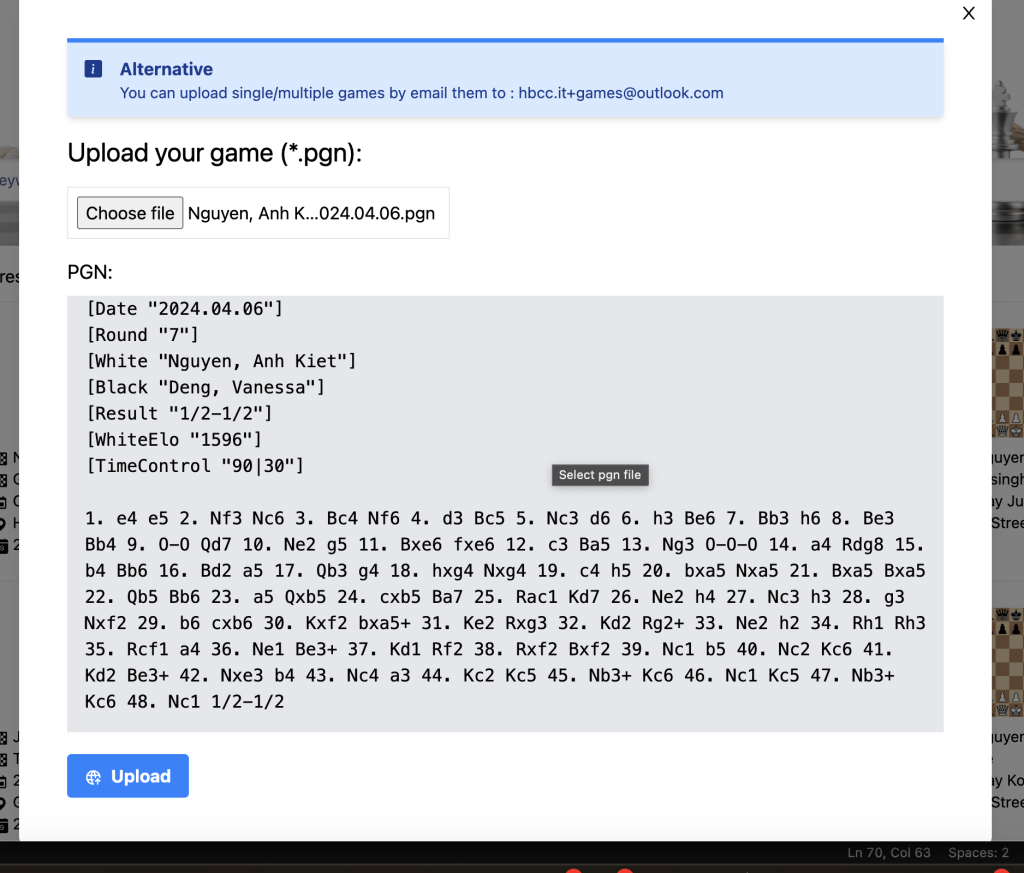
- Repeat this step for other games that you have.
- Your game will appear on the website after few minutes
Alternative: if you have multiple games you can send email to hbcc.it+games@outlook.com, add the pgns file as attachments for the email
 Hobsons Bay Chess Club Inc.